
The Galerist Journal · video
4K video delivery for photographers: what platforms don't tell you
You filmed in 4K, edited in 4K, exported in 4K — and your client watched it in 1080p without knowing. How gallery platforms quietly handle video, and what to check before you deliver your next film.
Giulio Palumbo Schiavone · July 8, 2026 · 4 min read
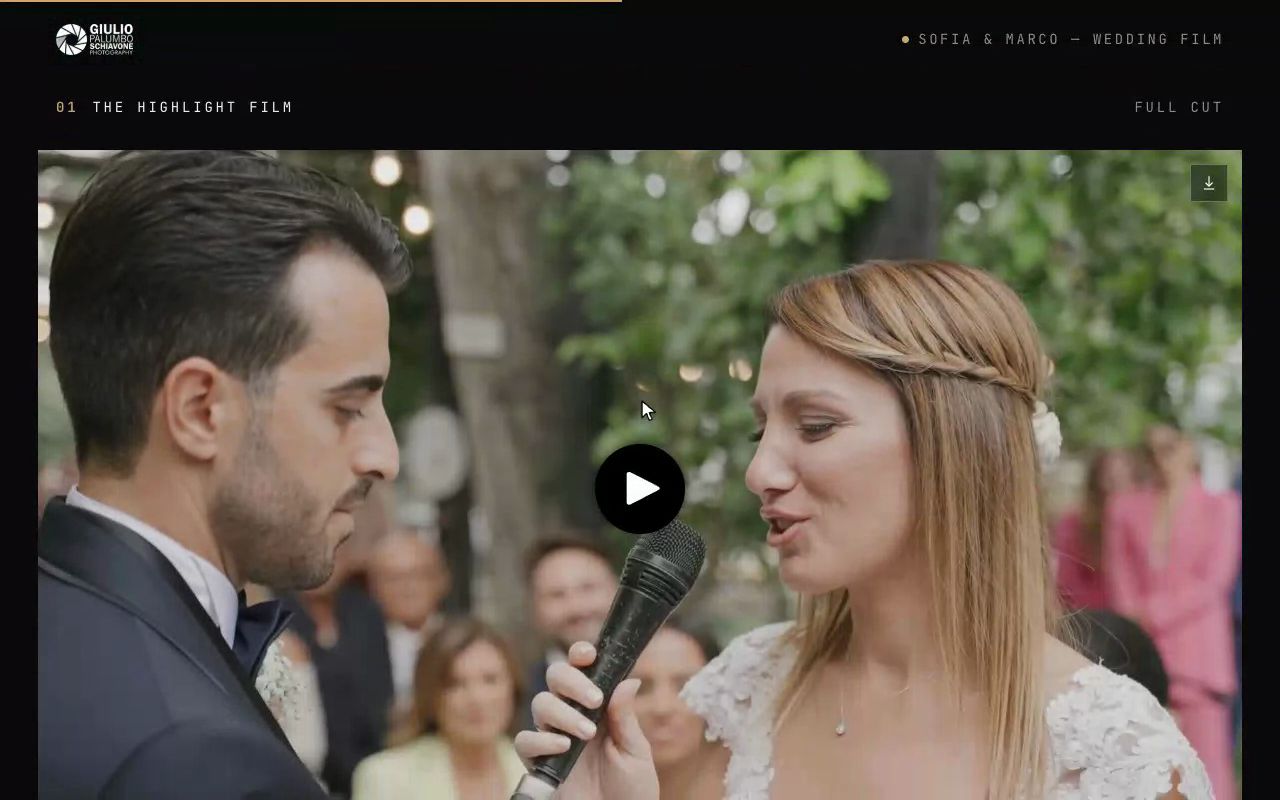
More photographers deliver video every year — wedding films, event recaps, brand clips, behind-the-scenes reels. Cameras made 4K the default half a decade ago. Delivery platforms, mostly, did not. And the gap between "we support video" and "your client actually watches your film the way you graded it" is where a lot of beautiful work quietly degrades.
Here's what happens to your video after you hit upload — and the questions that separate real video delivery from a checkbox on a feature list.
What "video support" usually means
When a gallery platform says it supports video, one of four things is true:
- It embeds someone else's player. You upload to YouTube or Vimeo and paste a link. Your wedding film now ships with related-video thumbnails, possible pre-roll ads, and a design that screams "free tier". For a professional delivery, this is a patch, not a feature.
- It stores the file and serves it raw. The original MP4 is downloadable but playback means the browser progressively downloading a multi-gigabyte file. On hotel Wi-Fi or a phone, that's buffering, stutter, and a client who gives up ninety seconds into the first dance.
- It transcodes, capped. Real streaming (HLS), but resolution tops out at 1080p — either everywhere, or on every plan you can afford. Your 4K master exists somewhere on their storage; nobody will ever watch it.
- It streams true adaptive 4K. The file is repackaged into multiple quality levels and the player picks the best one the connection can carry — up to real 2160p on a good screen. This is the correct answer, and it's rarer than pricing pages suggest.
Ask a platform which of the four it is. The answer is often buried three levels deep in a help center, which is itself informative.
The quiet caps: minutes, gigabytes, and paywalls
Even where 4K playback exists, the commercial layer decides whether you get it. The patterns to check, on whatever platform you're evaluating:
- Video metered separately from photos — by the minute or as its own storage ladder, so a single wedding film can cost more to host than the entire photo gallery next to it.
- Resolution as an upsell — 4K playback or 4K download gated to the top one or two tiers, with entry plans silently serving 1080p.
- Upload vs delivery asymmetry — the platform accepts your 4K file (storage counted, of course) but serves something smaller. Uploading in 4K and delivering in 4K are different promises; only the second one is worth paying for.
- The starting rendition. Adaptive players begin conservatively and climb. Fine on paper — but if the player never climbs, or starts at 360p for effect, your film's first impression is mush. Test on a real TV and a real phone, not just your studio's fiber connection.
None of these are scandals. They're just costs — 4K delivery is genuinely expensive to provide — passed on in ways that are easy to miss until a client asks why the film "looks soft on our TV".
(Where we stand, since this is our journal: Galerist streams adaptive HLS up to true 4K on every paid tier, including the €9.99 one-time gallery, with quotas written in plain hours on the pricing page. We built it this way precisely because the metered-and-gated pattern above annoyed us as customers.)
Downloads are a separate promise
Streaming is for watching; delivery also means the client owns the file. Check the download path separately, because it fails separately:
- Can the client download the original master, not a compressed mezzanine?
- Does download work on a phone, where half your clients will tap it?
- Is the video included in the download-all flow, or stranded as a separate manual step your client won't find?
A film the client can watch but not keep is a preview, not a delivery.
A 10-minute test before you commit
Before moving your video work to any platform — ours included — run this once with a real 4K export:
- Upload a finished film (not a test clip: a real, graded, 3–8 GB export).
- Play it on a 4K TV or monitor. Let it run 2 minutes. Check the player's quality indicator: did it reach 2160p?
- Play it on a phone over cellular. Does it start fast and stay smooth?
- Download the file. Compare its size against your export — a drastically smaller file means you're not delivering your master.
- Read the pricing page and find, in numbers: how many minutes or GB of video your plan includes, and what resolution it plays at. If you can't find those numbers, that's your answer.
TL;DR
"Video support" spans everything from a YouTube embed to true adaptive 4K, and the difference is invisible on a feature list. Check which of the four models you're buying, whether 4K is served — not just stored — on your tier, and whether the client can download the real master. You shot it in 4K; deliver it that way.